Changing fonts
Header
Level: Beginner
Keywords: font, font-face, css
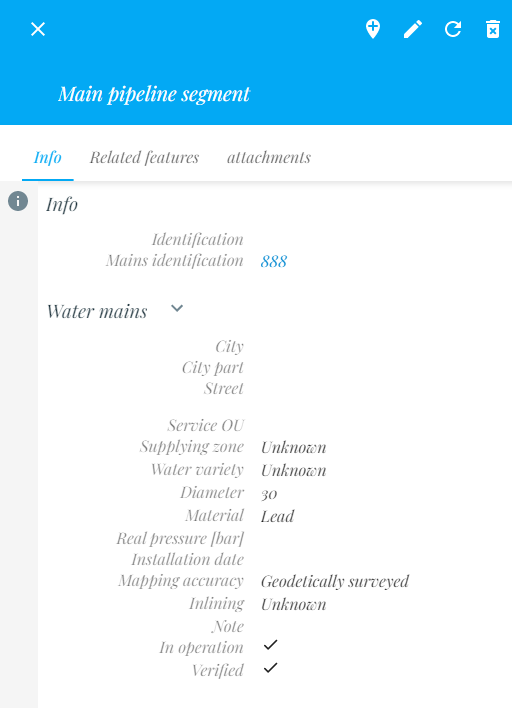
The result: setting specified font for SAMO application
It is possible to set your own font in whole SAMO client. However note that there can still be some components which doesn't support changing the font. Please create Jira issue for these missing parts.
Steps:
- Download your font (.ttf)
- Create new folder in resources/themes/fonts/nameOfYourFont and place font files there
- Go to resources/themes in project and find file resources/theme/fonts.css - if file does not exist, create new one example with playfair font:
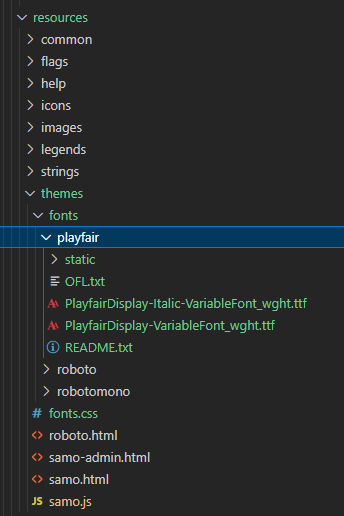
- Edit font.css file and add your new @font-face with the path to your .ttf files (try to check how @font-face is made out of .ttf font file)

Important: Name of your font-family is up to you but remember you must use the same name when you will apply this font (see point 6)
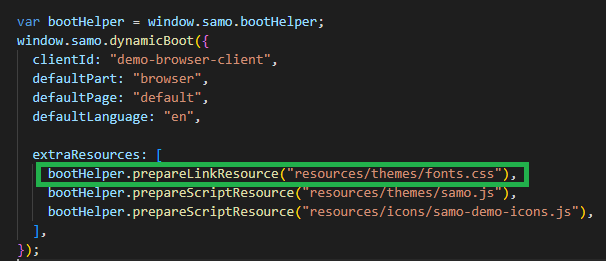
- Go to project's boot.js and load font.css file (use prepareLinkResource function)
- Go to project's samo.js and update--paper-font-common and --paper-font-common-base

- Go to GTW console, reload configuration and restart the project
- Fonts should be applied